
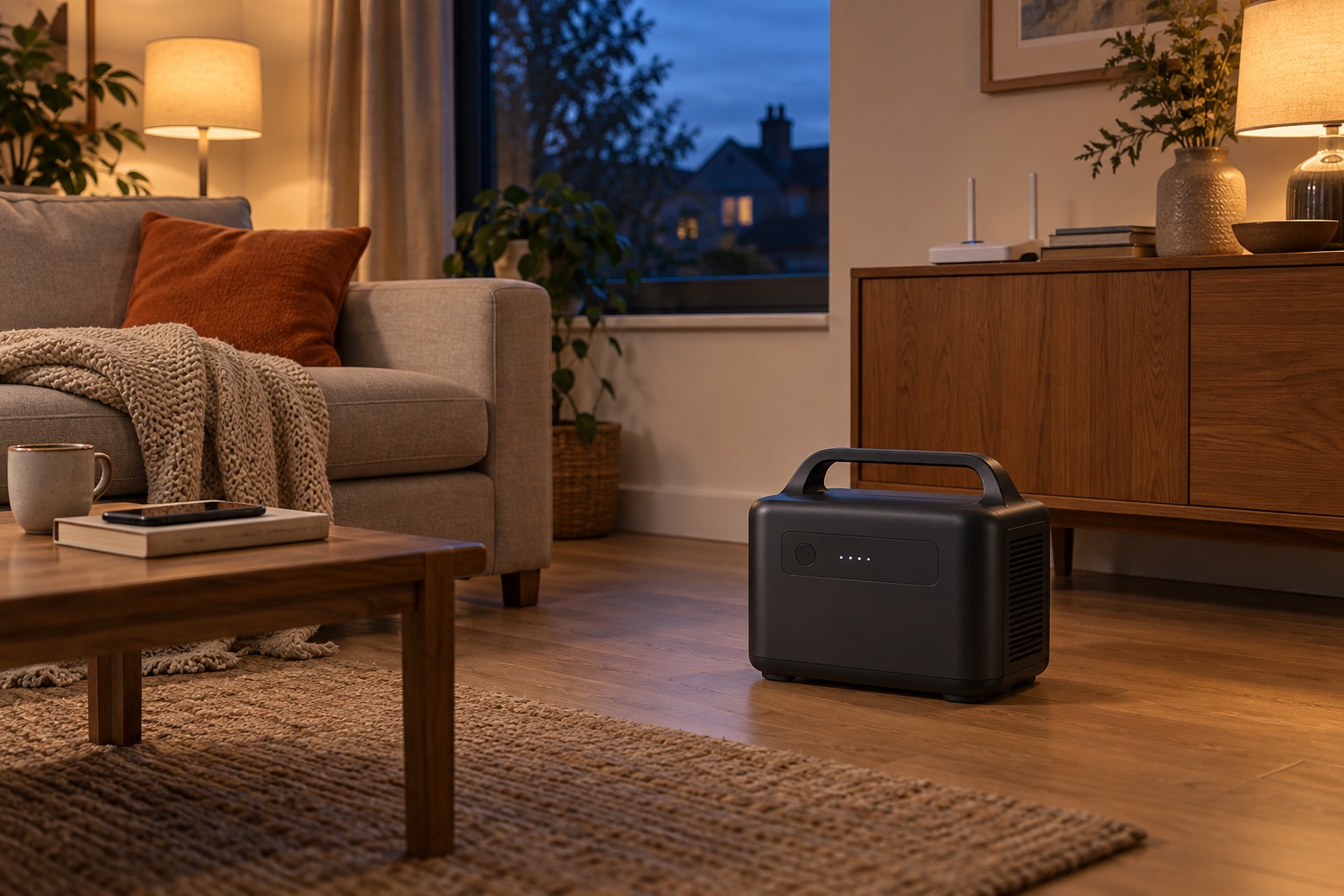
Choose a small set of essential plug-in loads and plan how long they need to run. Keep a safe fallback for a longer outage.
An example load budget
These are invented planning inputs to show the arithmetic, not measured appliance consumption. Replace them with your own equipment readings.
| Example load | Average W | Hours | Energy Wh |
|---|---|---|---|
| Router | 12 | 8 | 96 |
| LED lights together | 10 | 5 | 50 |
| Laptop | 40 | 2 | 80 |
| Example delivered energy | 226 Wh | ||
Nominal capacity must also cover conversion losses and the reserve you choose. Use the planner to change those assumptions. Add running watts only for loads used at the same time; assess startup separately.
What we would choose
| Your priority | Start with | Our advice |
|---|---|---|
| Small plug-in essentials | EcoFlow RIVER 2 Max | Start with its 512 Wh for a short, modest energy budget. Confirm low-load behaviour for equipment that must stay on. |
| More hours between charges | Jackery Explorer 1000 v2 | A 1,070 Wh starting point when the smaller battery is insufficient; choose the capacity from your load list. |
| A larger energy budget | BLUETTI Elite 300 | Choose its 3,014.4 Wh when runtime matters more than carrying; its 26.3 kg weight favours occasional moves. |
Use your equipment’s average draw and the interval between charges to choose the battery size. The linked profiles explain the main trade-offs.
Keep the boundary clear
This guide concerns appliances plugged directly into a station. Do not feed power into a wall socket. Household integration needs suitable equipment and a qualified installer. Medical equipment needs a plan agreed with its supplier and care team.
Read the full power-cut preparation guide · Check offline controls.
Prepare your setup
Start with what the station can run and for how long, then check power-saving and charging settings before relying on it away from home.