
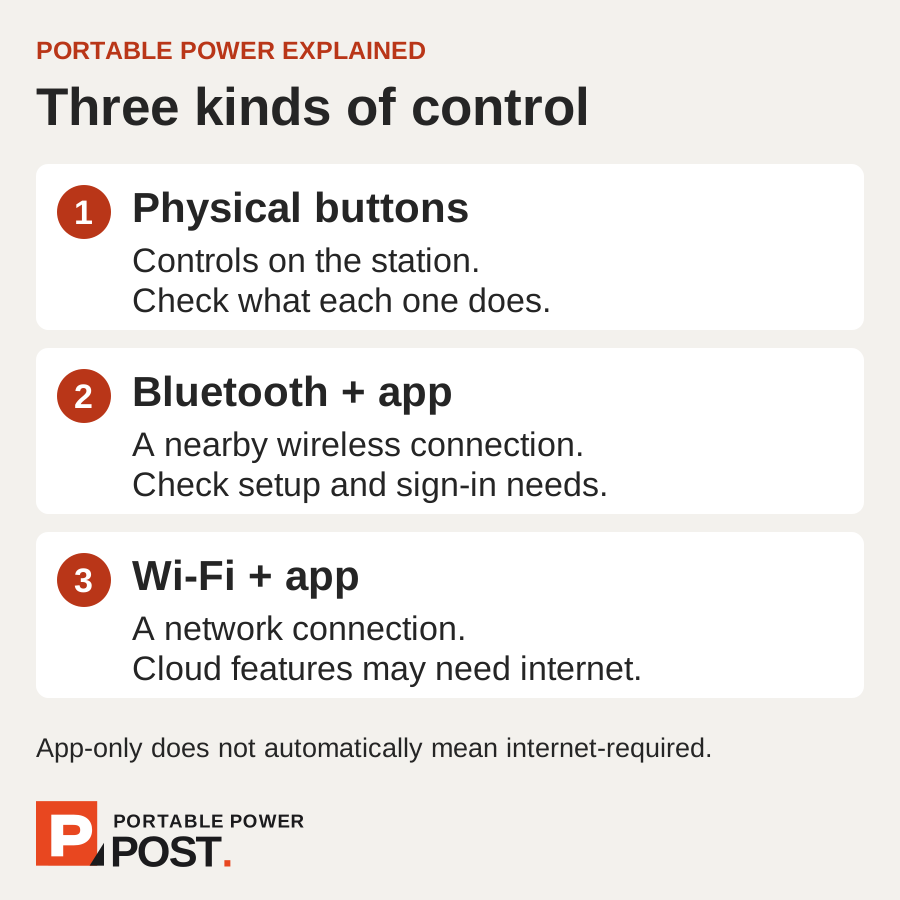
The BLUETTI Elite 100 V2’s basic output controls are physical buttons: you can switch the station and its AC/DC outputs on the unit. That does not mean every setting is available without a phone or that all app functions work offline.
What do buttons, Bluetooth and Wi-Fi each do?
Buttons control the station locally. Bluetooth provides a nearby wireless connection; Wi-Fi connects it to a network and may support cloud-based remote access. A Bluetooth logo alone does not tell you whether first-time setup, sign-in or reconnection needs internet access.
Which controls are on the unit, and which use the app?
For the BLUETTI Elite 100 V2 EU/UK model, the manual gives this split:
- On the unit: main power and AC/DC output buttons; Standard/Turbo charging, ECO and Power Lifting settings; Wi-Fi and Bluetooth toggles. The settings menu also includes output frequency; follow the regional manual rather than changing it casually.
- Use the app: Silent charging, UPS mode selection, Grid Self-Adaption, maximum grid input current, detailed ECO settings and firmware updates. Silent is explicitly app-only. The ECO button switches AC/DC ECO together; the app can control them separately.
This describes the controls documented by BLUETTI, not every app connection requirement. It does not prove that every app function works without internet or account setup.
What about other models?
Check the exact model’s manual rather than extending BLUETTI’s controls to another brand. For example, Jackery’s Explorer 1000 v2 uses its app to enable the advertised one-hour Emergency Charge mode; its normal mains recharge is around 1.7 hours. The app feature table records the model-specific evidence and unknowns.
What should I do before leaving reliable connectivity?
- Save the manual and identify the output controls you need.
- Install and pair the app if required, then check the specific settings you plan to use.
- Try your normal routine without internet; separately try basic operation with your phone disconnected.
- Check automatic shutdown for small loads and make sure another user can operate shared equipment.
Our settings checklist explains ECO, charging, backup and storage with a specific manual-backed example. Prefer physical access to essential controls when that matters to your trip or work; do not assume app-only means internet-required.