
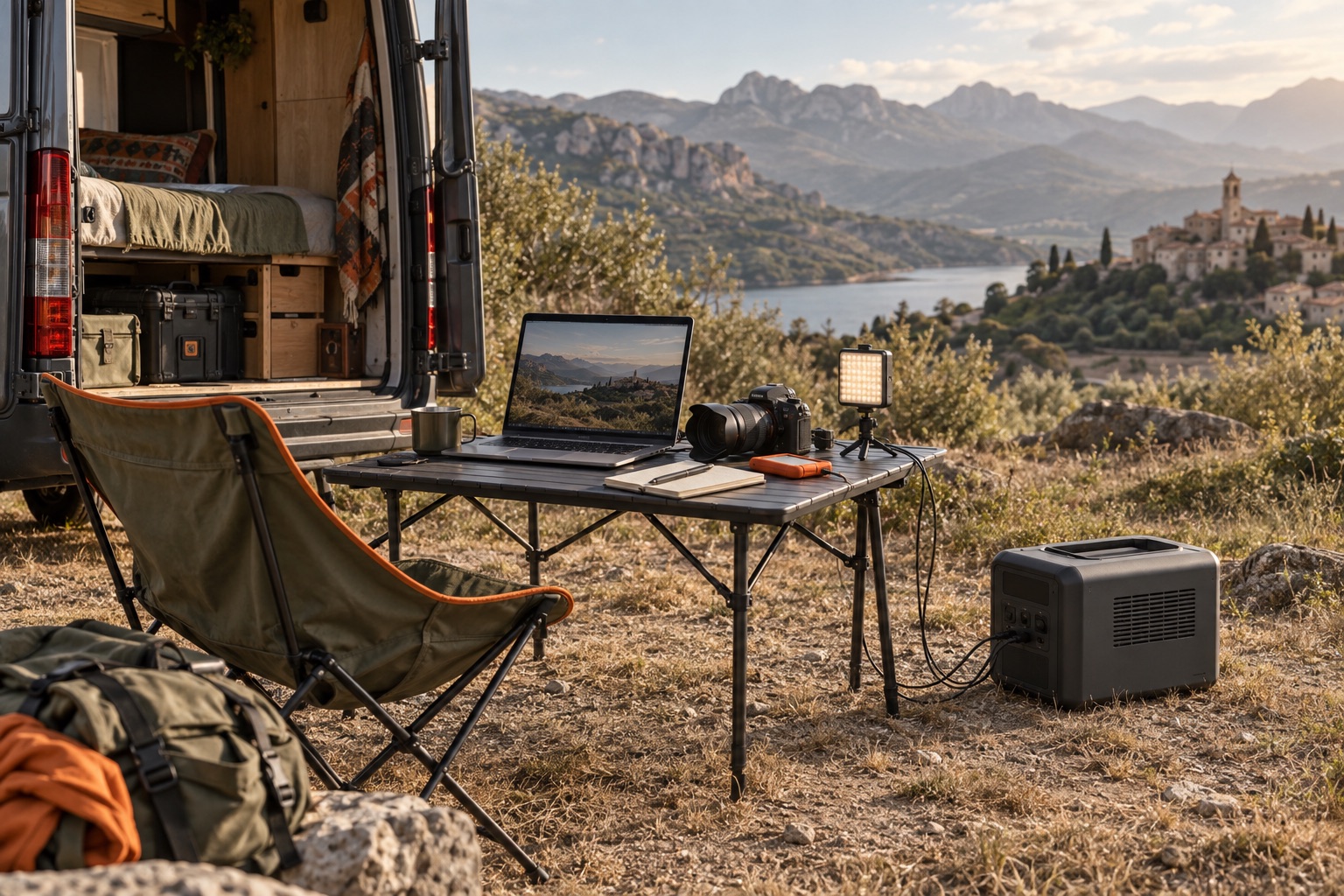
A station has to finish the whole job: setup, the working session and a delayed finish. Start with the complete equipment list.
Build the load plan
Separate the highest simultaneous watts from the watt-hours used across the booking. Lights and a laptop may consume energy throughout the session; a motor or printer may introduce a brief higher demand. Use actual equipment documentation and your own operating preparation.
What we would choose
| Your priority | Start with | Our advice |
|---|---|---|
| Laptop, monitor and lights | Jackery Explorer 1000 v2 | Start here for modest working loads and frequent carrying; use the planner for a full session plus reserve. |
| Higher running loads | BLUETTI Elite 100 V2 | Choose it when 1,500 W is too low but 1,800 W covers the combined load, or when its larger solar input is useful. |
| Longer working sessions | Jackery Explorer 2000 v2 | Choose its 2,042 Wh battery when 1 kWh would mean a mid-session recharge; stay within the 2,200 W rating. |
Make the work reliable
Check power-saving settings, ventilation, cable routing and which controls are available without a phone or internet. A battery does not guarantee a working venue network.
Use the 360 photo-booth example for a worked event budget and the energy planner for your own assumptions. Read the offline-control guide before relying on an app-only setting.
An example load budget
These are invented planning inputs to show the arithmetic, not measured appliance consumption. Replace them with your own equipment readings.
| Example load | Average W | Hours | Energy Wh |
|---|---|---|---|
| Laptop | 60 | 5 | 300 |
| Two lights together | 80 | 4 | 320 |
| Camera charging | 25 | 2 | 50 |
| Example delivered energy | 670 Wh | ||
Nominal capacity must also cover conversion losses and the reserve you choose. Use the planner to change those assumptions. Add running watts only for loads used at the same time; assess startup separately.
Prepare your setup
Start with what the station can run and for how long, then check power-saving and charging settings before relying on it away from home.