
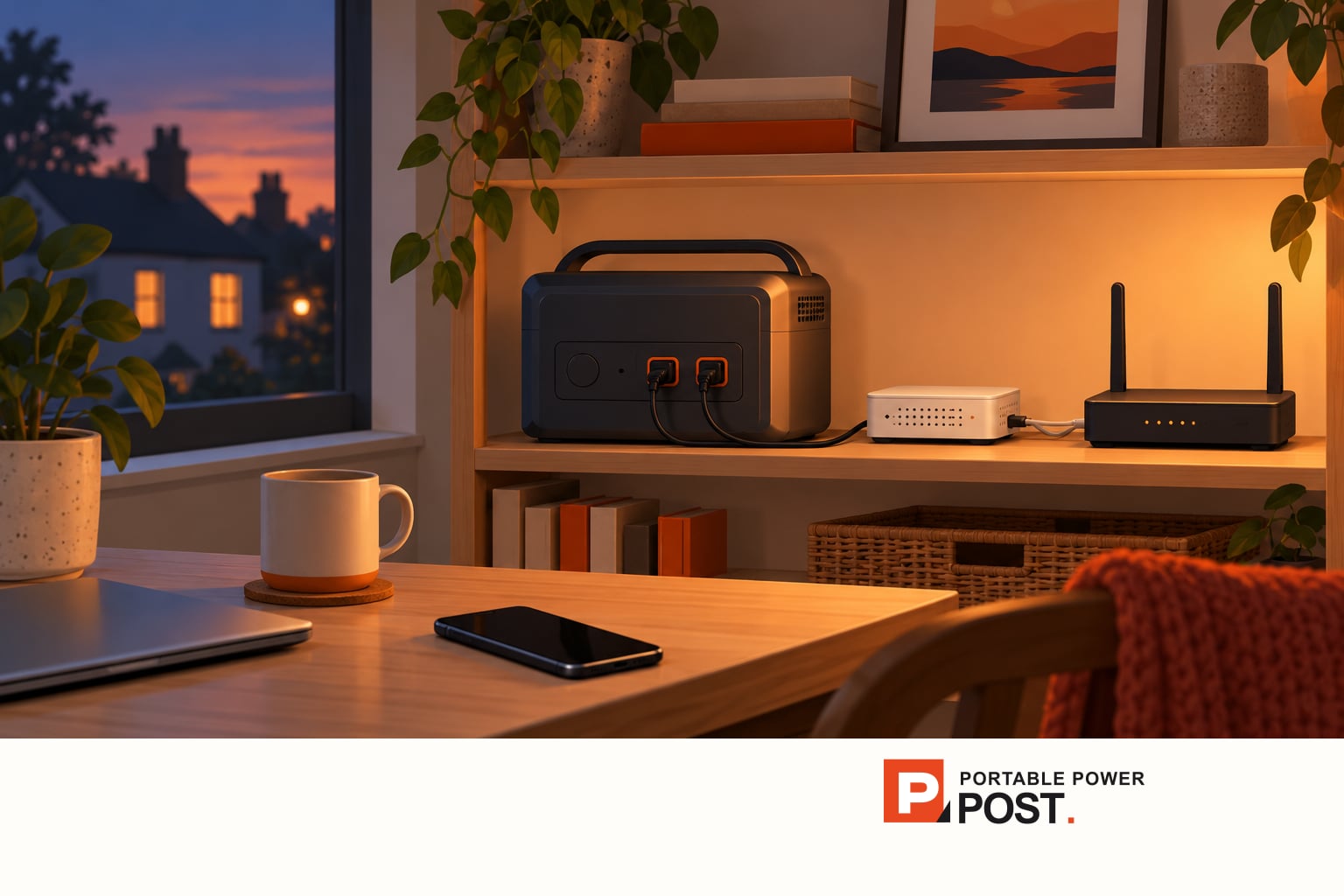
It may, if the station keeps its output on and has enough usable energy for the complete network setup. Powering only the router will not help if a separate fibre ONT or modem also needs electricity. Your internet provider's network may be unavailable during a wider outage.
Count every powered box
Trace the cable from the incoming connection to the device that provides Wi-Fi. Note each powered box and its adapter. A router marked “12 V, 2 A” has a 24 W maximum input rating at that adapter; it does not establish that it draws 24 W continuously. Use measured average consumption where you can, and include the separate modem or ONT, switches and any mesh units you intend to keep on.
For a planning example, suppose the complete setup averages 12 W for eight hours. It needs 12 W × 8 h = 96 Wh delivered. This is an assumption to replace with your own equipment figure, not a measured router specification. Add the station's own consumption and conversion losses before comparing that figure with a battery's nominal watt-hours. A 96 Wh battery label therefore does not establish eight hours of service.
The BLUETTI Elite 100 V2 EU/UK manual gives a concrete reason to allow for overhead: its runtime formula includes the station's own consumption, which BLUETTI puts at about 10 W. That figure is a manufacturer assumption for this model, not a universal allowance. For an eight-hour example, 10 W alone would add roughly 80 Wh before conversion losses. A smaller or different unit needs its own evidence; nominal capacity is not a direct runtime promise.

Check whether a small load stays powered
On the Elite 100 V2, AC-ECO and DC-ECO are enabled by default and can turn an output off after low or no load. BLUETTI advises disabling ECO for small devices under 60 W or equipment needing uninterrupted power. Its button changes AC and DC ECO together; the app controls them separately. If your router uses the AC adapter, check AC-ECO. If you use a compatible DC supply, check DC-ECO and the device's required voltage, connector and polarity. Do not improvise a DC lead merely to avoid AC losses.
The unit's separate AC and DC output buttons also matter: the station being on does not mean the required outlet is on. Other models have different thresholds and controls. Try the exact router, connection box, leads and outlet through an overnight session while normal power is available; record whether the output stays on and how much charge remains. Keep an alternative way to communicate if connectivity is essential.
If you plan to leave the station connected to mains and rely on it to take over during a cut, test that changeover with your own network boxes. BLUETTI specifies a transfer within 10 milliseconds for the Elite 100 V2, but that is its claim, not our measurement or a guarantee that your router will stay connected. Its manual excludes equipment needing a high-performance UPS, including data servers and workstations. Do not treat a backup label as a promise of uninterrupted internet.
Check the connection beyond your home
A powered router may still lose service if the provider's street equipment or upstream network lacks backup. Mobile data may also be disrupted or congested. Keep important contact information available offline. For broader household preparation, see the UK power-cut guide; for the model's controls, see the Elite 100 V2 settings guide.